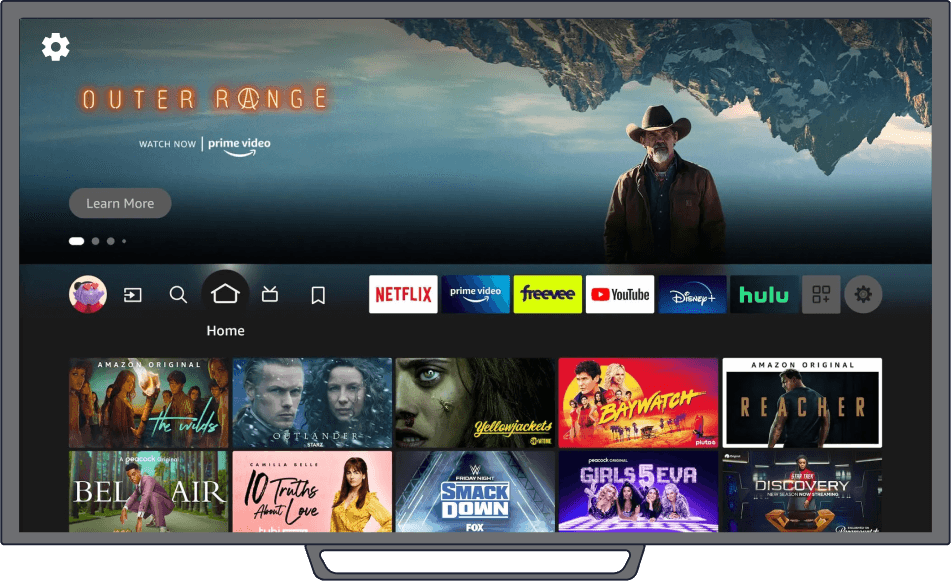

Using the APK file, you can install our IPTV Media Player on your Android device.
Android TV & Box
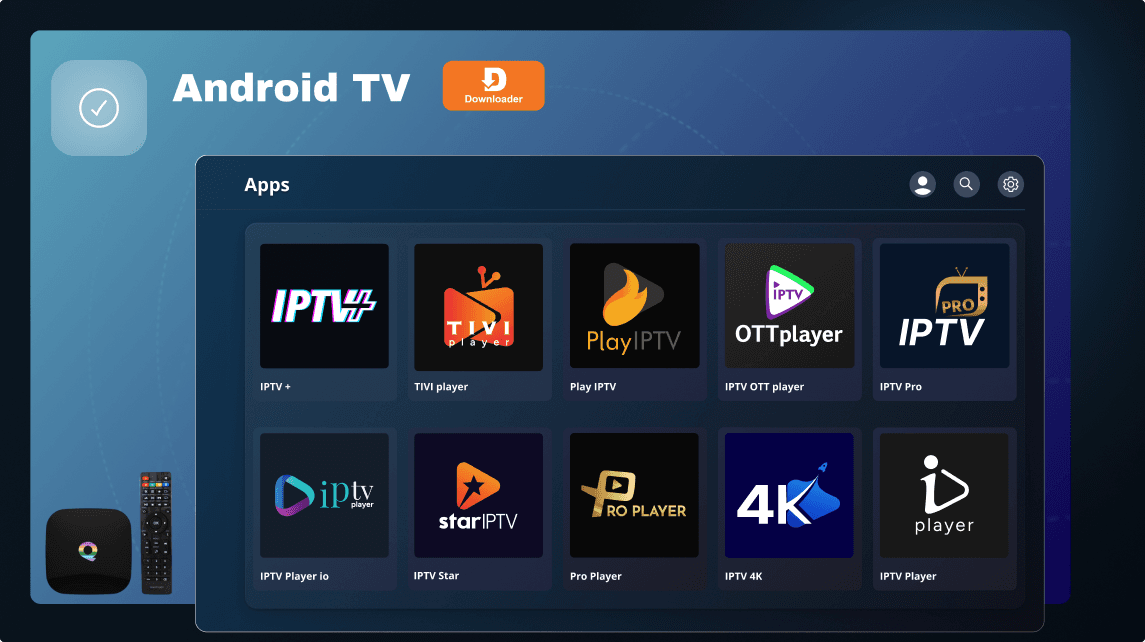
1. Enable Unknown Sources: In Settings, go to "Security & Restrictions" Enable "Install unknown apps"
2. Download and Install: Download the APK Transfer to Android TV and install
3. Open File Explorer and Install: Locate APK in the file explorer Follow on-screen instructions to install
4. Launch Installed App: Find the app in the app drawer or home screen.