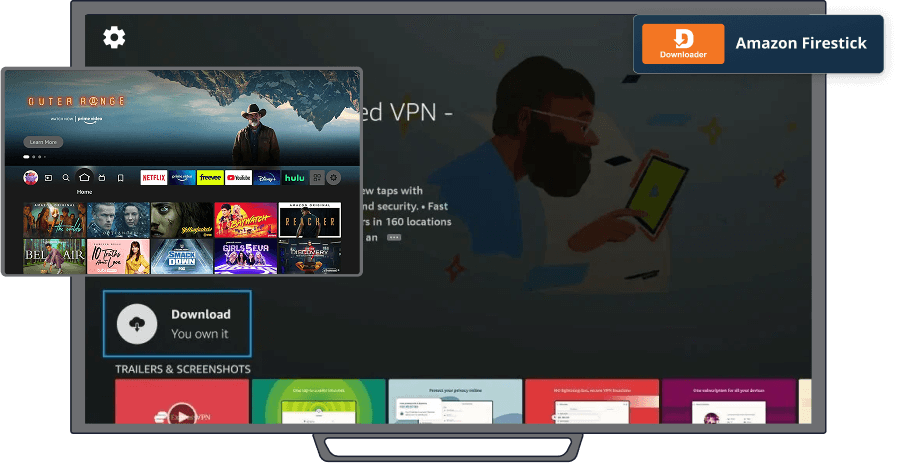

Using the Downloader app, you will be able to download our IPTV Media Player on your
Amazon Firestick
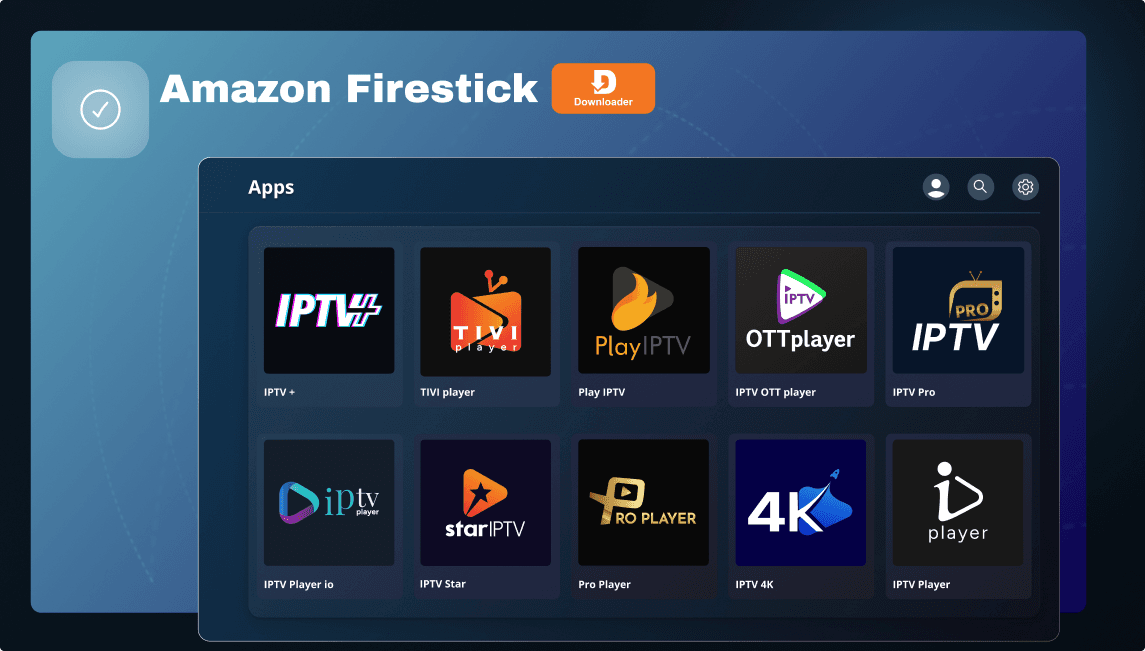
Step 1 Enable Apps from Unknown Sources
1. Turn on your Firestick and go to the Home Screen.
2. Navigate to Settings (gear icon in the top right).
3. Scroll to My Fire TV (or Device & Software on some models).
4. Select Developer Options.
5. Turn on Apps from Unknown Sources (if this option is missing, look for Install unknown apps and enable it for Downloader).
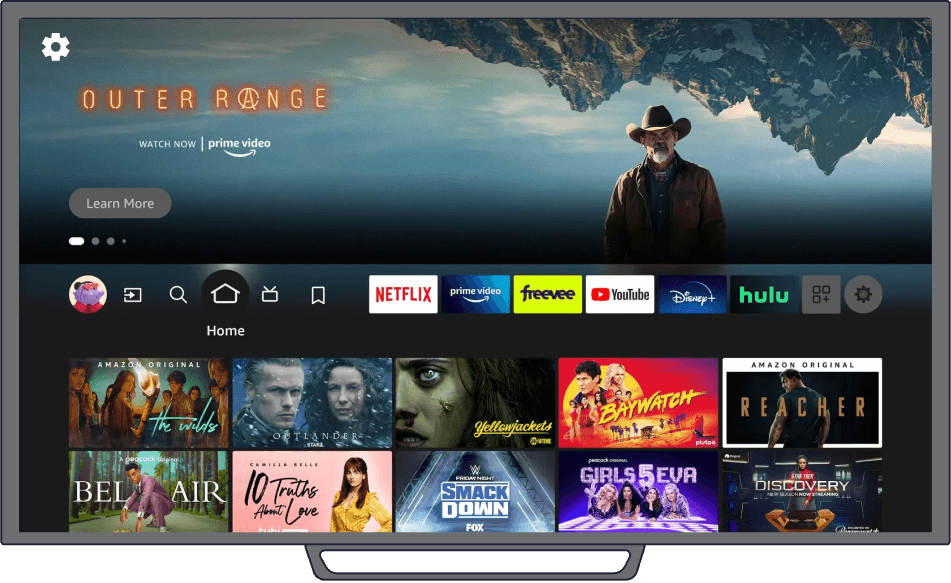
Step 2 Install The Downloader App
1. Go back to the Firestick Home Screen.
2. Select the Find tab, then choose Search.
3. Type Downloader and select it from the search results.
4. Click Download (or Get) to install it.
5. Once installed, open Downloader.
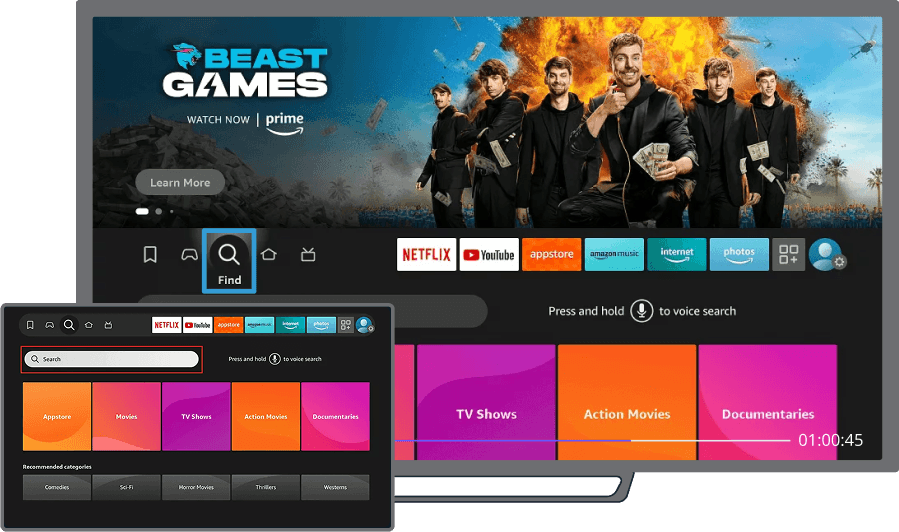
Step 3 Download And Install The APK
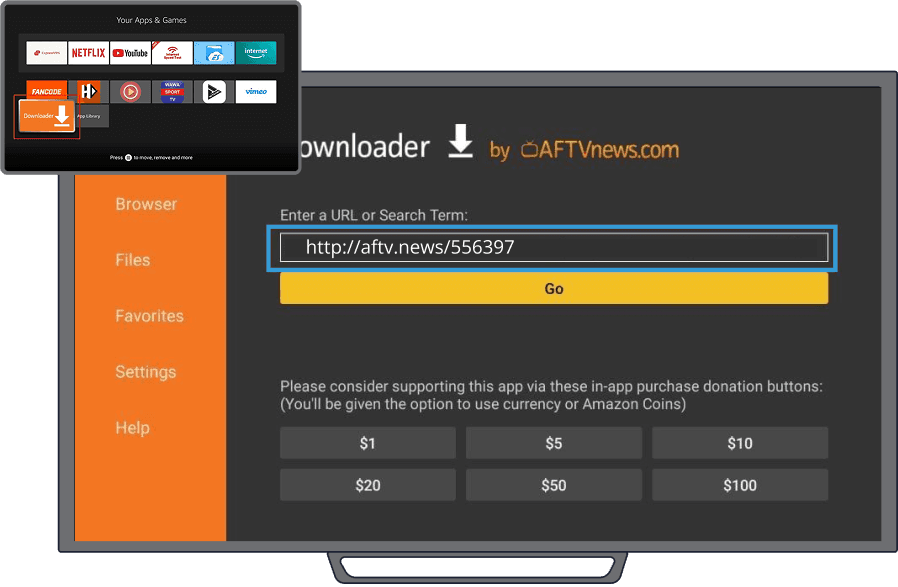
1. Open the Downloader app.
2. In the URL field, enter the direct download link or code of the APK you want to install. http://aftv.news/114889
3. Click Go and wait for the download to complete.
4. Once downloaded, select Install.
5. After installation, click Done or Open.
Step 4 Open The Installed App
1. Press the Home button on the Firestick remote.
2. Navigate to Your Apps & Channels.
3. Scroll down and find the installed app.
4. If it's not visible, go to See All to locate it.
5. Select the app and open it.